Connect lab instruments
to AI assistants.
teasel fetches instrument descriptors from the community registry, collects your config, and writes the MCP setup file — so your AI assistant can talk to your hardware.
uvx teasel
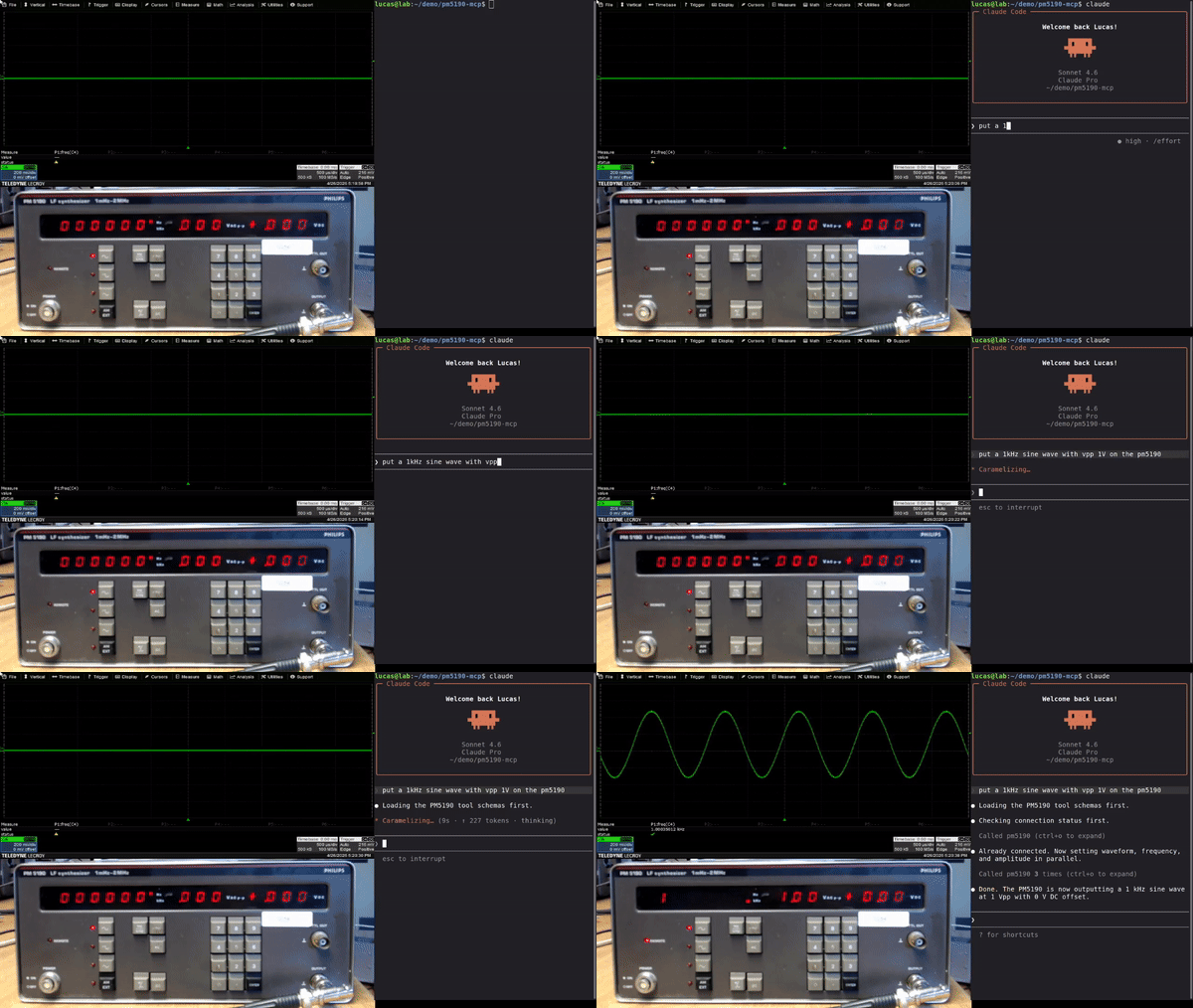
How it works
-
Browse the registry
Find your instrument in the community-maintained list. -
Run teasel
Follow the setup prompts or pass config as flags — teasel writes.mcp.jsonfor you. -
Talk to your instrument
Open Claude Code, Cursor, or any MCP-compatible AI assistant. Your instrument is ready.